- A sophisticated suite of media production tools for Unreal Engine with up to 32bit color depth.
- Integrates Unreal into broadcast, virtual production and creative media pipelines.
- Live-Streaming of video, alpha and audio in multiple professional industry formats.
- Cinecam, 360/ 180 Camera and Player Viewport capture options (to Render Target).
- Crystal-clear media input via 'Media Plane' Actor with no Unreal anti-aliasing/ ghosting.
- Instant configuration of inputs and outputs via 'Wizard' with no blueprints required.
- Media output options via NDI (LAN), Spout (zero-latency), RTMP/ SRT/ RTSP/ HTTP (WAN) and Virtual Webcam.
- Media input options via NDI (LAN), Spout (zero-latency) and Screen Capture (Window and Desktop).
- Direct recording from Unreal to MP4/ MOV/ AVI/ MKV with quantized frames and timecode metadata.
- Works with all Unreal tools (nDisplay, Composure, Avalanche, Sequencer, LiveLink etc.)
- Connects Unreal to/ from all major media software (OBS, VMIX, Resolume, TouchDesigner, YouTube, Twitch etc.
- All features work in-Editor, at-Runtime and in packaged projects.
The Complete Media I/O
Solution for Unreal Engine
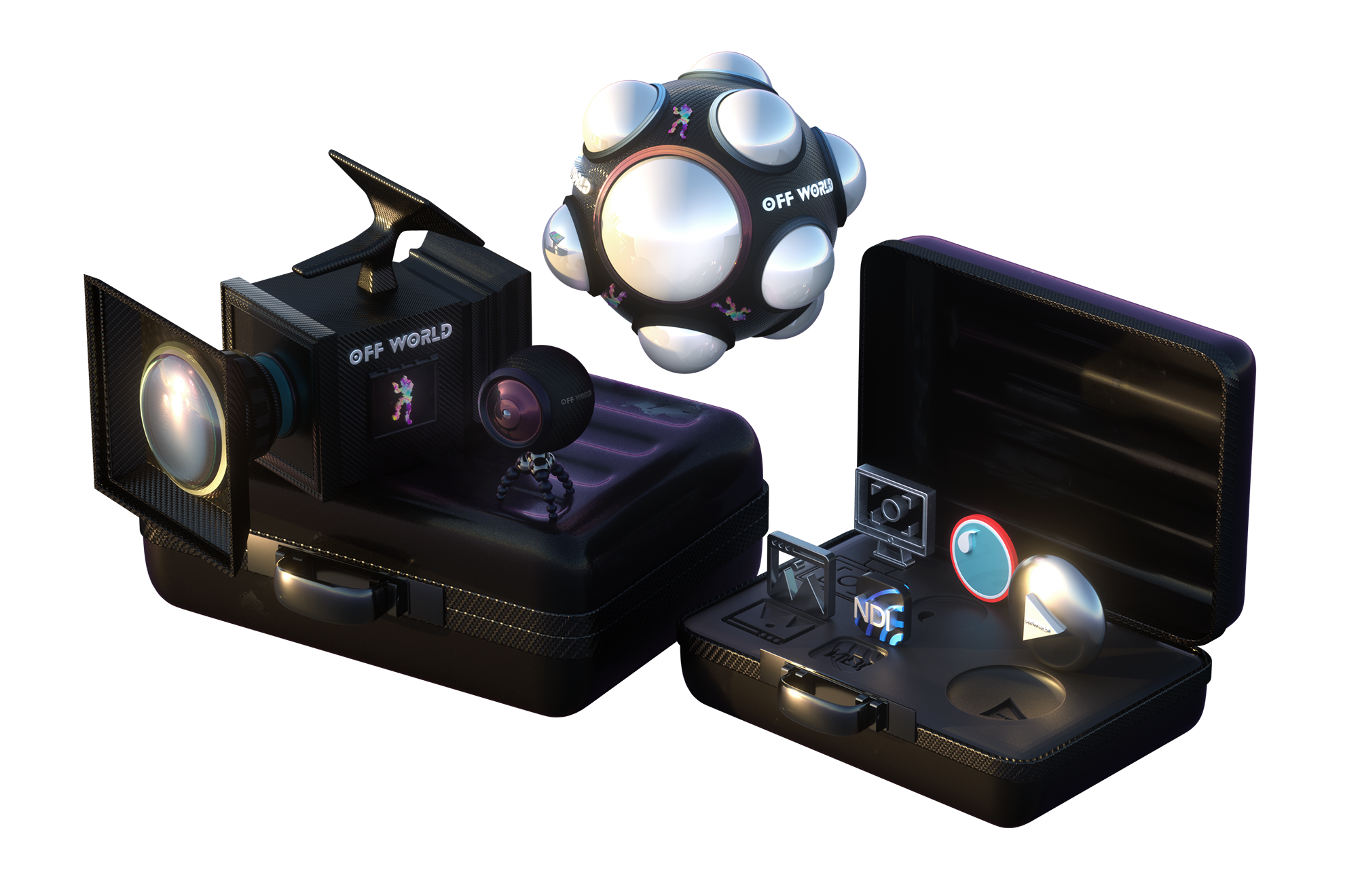
Key Features
Instant Media Output
Instant Media Input
Cinecam Output
Live 180/ 360 Degree Output
Player Viewport Output
Crystal Clear Media Display
Direct nDisplay Output
Local Network Streaming (NDI)
Zero Latency Streaming (Spout)
Internet Streaming (RTMP/ SRT/ RTSP)
Video Conferencing (Webcam)
Gameplay Streaming
Users and Use Cases
Virtual Production
Instant configuration of media into and out of all Unreal for pre-visualization or production.
Broadcasting
Live-streaming of media from Unreal either via OBS Studio, VMIX or direct via RTMP/ SRT/ RTSP to all major streaming platforms and servers.
Visuals/ Projection Mapping
Bi-directional integration of Unreal into multimedia production pipelines (Resolume, TouchDesigner etc.)
VTubing/ YouTubing
Live-streaming of avatars from Unreal with alpha and HUD to YouTube/ Twitch/ TikTok/ Douyin etc.
Games/ App Developers
Integrate direct live-streaming to social media or recording to disk into your game.
Pre-Visualizations and Digital Twins
Live-stream from simulated environments to test real-world workflows or develop synthetic data-sets.
Key Components
Cinecam and Capture Component
Viewport Capture
360 Live-Streaming Camera and Component
Media Plane
Media Output Encoder
NDI Sender and Receiver Manager
Spout Sender and Receiver Manager
Virtual Webcam
Screen Capture
- An enhanced Unreal Cinecam with dedicated features for Virtual Production and live-streaming.
- Utilises Unreal’s Viewport rendering pipeline for full post-processing capabilities.
- Outputs direct to a Render Target.
- Outputs alpha via Show Only/ Hide Only lists.
- Outputs a HUD/ Burn-In via UMG widget.
- Full control over Render Flags and Custom Buffers.
- Compatible with DLSS/TSR for FPS/ GPU usage optimization.
- Component can be attached to any Unreal Camera or Actor.
- Drag-and-drop actor/ component (no blueprints).
- Drag-and-drop Actor that captures the active Unreal Viewport to a Render Target.
- Option to include/ exclude Viewport HUD.
- A live-rendering, real-time, 360/ 180 Degree Camera and Component.
- Equirectangular, Cubemap, Domemaster, Stereo 180 and 360, Mono 180 and Mirrordome outputs.
- Utilises Unreal’s Viewport rendering pipeline for full post-processing capabilities.
- Seamless Bloom custom post-process pipeline.
- Outputs alpha via Show Only/ Hide Only lists.
- Compatible with DLSS for FPS/ GPU usage optimization.
- Component can be attached to any Unreal Camera or Actor.
- Outputs direct to a Render Target for live-streaming.
- Full integration with Unreal Media Plate for live-streaming and media playback.
- Use the OWL Media Input Wizard to configure Spout, NDI, MP4 and RTSP.
- Crystal clear media with correct reflections and translucency.
- Perfect for media playback in your levels.
- Live-stream and record multiple simultaneous outputs from Unreal Engine.
- Live-stream direct via RTMP, SRT, RTSP and HTTP.
- Record direct to disk via MP4, MOV, AVI, MKV.
- h264 and h265 GPU encoding via NVENC.
- Up to 8K (8192x8192) resolution (h.265).
- Multi-channel audio including surround sound and up to 7:1 output.
- Adjustable video and audio bitrate and fixed output FPS
- Timecode metadata with quantized frames (for direct editing).
- Output from any Unreal Render Target.
- Allows sending video, alpha and audio to/from Unreal at ultra-low-latency over-the-network.
- Drag-and-drop actor (no blueprints required).
- Works both in-Editor and at-Runtime.
- No limit on video feeds or cap on resolution/ fps.
- Sends both UYVY and BGRA formats and receives any NDI color format.
- Render Target or Unreal Media Framework implementation options.
- Allows programs running on the same GPU to share video with zero-latency and compression.
- Drag-and-drop actor (no blueprints required).
- Works both in-Editor and at-Runtime.
- No limit on video feeds or cap on resolution/ fps.
- Can send and receive in any Spout compatible color format (including alpha).
- Render Target or Unreal Media Framework implementation options.
- Output to a Virtual Webcam from any Unreal Render Target.
- Works with 4:3 and 16:9 aspect ratios in any applicable resolution.
- Can be used with any standard video-conferencing software (Zoom, Teams, Meet etc,)
- Capture any connected Display or Window running on your machine direct to a Render Target in Unreal.
- Removes the need for using OBS/ VMIX to capture game-play or other work into your virtual world.
Feature Comparison
Live-Streaming Toolkit
Spout Plugin
NewTek NDI Plugin
Works In-Editor
Yes
No
No
Stable in DirectX 12
Yes
No
No
Cinecam Output
Yes
No
No
DLSS Compatible
Yes
No
No
Synched Audio and Video
Yes
No
No
Regular Updates
Yes
No
No
No Blueprint Set-up
Yes
No
No
Support
Yes
No
No